> ## Documentation Index
> Fetch the complete documentation index at: https://docs.genfuseai.com/llms.txt
> Use this file to discover all available pages before exploring further.
# Agents
> An overview of agents and how to configure them to perform autonomous tasks within your workflows.
## What is an Agent?
An **agent** is an autonomous unit that carries out specific tasks with minimal human oversight.
In GenFuse AI, agents work as **specialized team members**, each configured with a unique function and goal.
They harness the power of large language models (LLMs) to make decisions, execute multi-step operations,
and interact with external tools —all while maintaining context and adapting as needed.
The more specialized an agent, the better it's performance. For example a
`Researcher` agent will excel at gathering information, whereas a `Writer`
agent will be great at creating a proposal from that research report.
## Building an Agent
Creating an agent is a streamlined process that lets you specify the task, configure inputs, and integrate any necessary tools.
Here’s how you can get started:
Describe the task you want your agent to perform, and let AI build a powerful agent for you.
It'll set up the agent’s instructions and add the necessary tools based on your task.
You can then customize the agent to fit your needs.
Design your own agent with a clear goal in mind. Then select LLM, define parameters, and configure tools.
This allows you to have full customization to what you want your agent to do.
## Key Agent Components
When designing your agent, consider the following essential attributes that define its behavior and performance:
Here’s your table correctly formatted with all text left-aligned, including the header:
| **Attribute** | **Description** | **Examples** |
| :---------------------- | :------------------------------------------------------------------------------------------------------------------------------ | :------------------------------------------------------------------------------------------------------------------------ |
| **Name** | Describes the agent's role. | `"Content Creator"`, `"Market Research Analyst"` |
| **Personality** | Describe the agent's personality and how it should behave. | `"You are an expert researcher. You specialize in finding the most relevant information about a given topic."` |
| **Agent Inputs** | Add inputs that can be used by your agents. Each input has a name and value. Value can be passed from connected nodes. | `Input Name: Company Website, Value: google.com` |
| **Task** | Provide the agent with a task and all necessary information for completing it. Optionally, you can reference Agent Inputs here. | `"Analyze this company website and identify its key competitors."`, `"Write a blog post about the benefits of using AI."` |
| **Expected Output** | A detailed description of what the task's output looks like. | `"A list of competitor websites and a summary of their offerings."` |
| **Tools** | Enhance agent capabilities by giving them tools to complete the task. | `Google Search`, `Get Linkedin Company Data` |
| **AI Model (Settings)** | Choose the LLM model for this agent. | `"gpt-4o"`, `"claude-3.5-sonnet"` |
| **Structured Output** | Ensures the model will always generate responses that adhere to your supplied schema. | |
| **Loop Mode** | Select a list from agent inputs. This agent will run once for each item in the provided list. | |
## Exporting & Reusing Agents
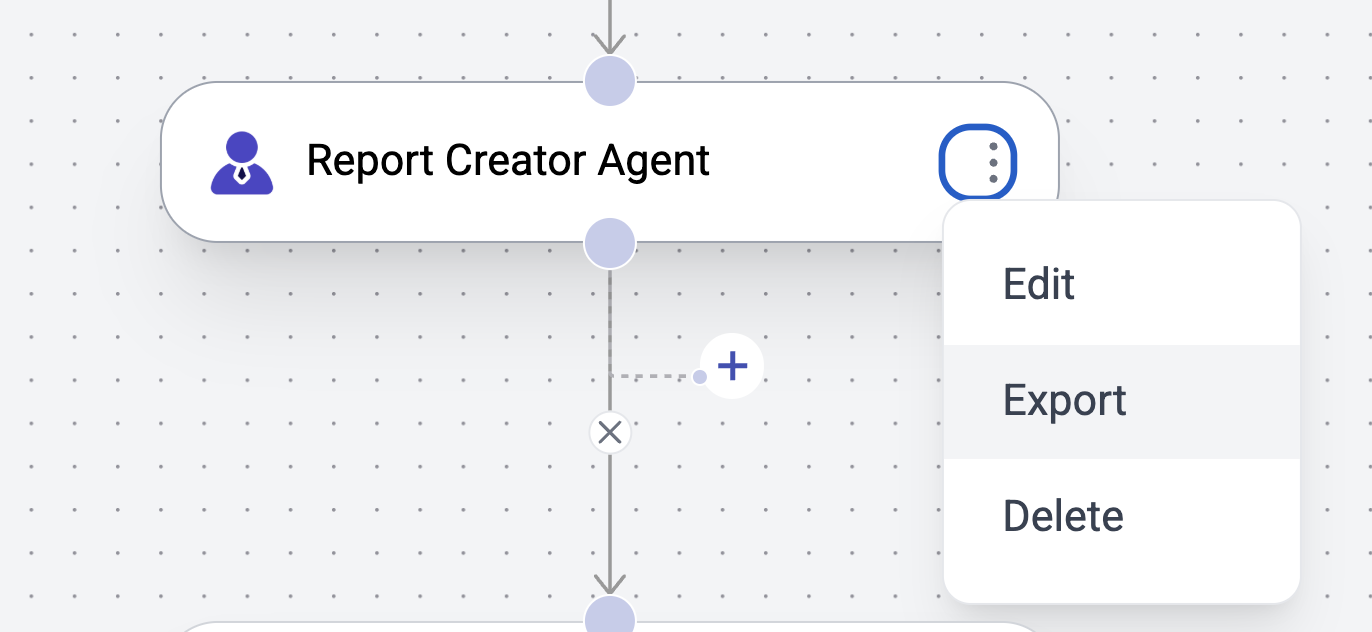
Once your agent is fine-tuned and operating as desired, you can export it.
This will create a copy of this agent in your agent library, which you can then reuse across other agent workflows.